


How do you get a picture to fit in a locket?
To get a picture to fit in a locket, follow these steps:
- Choose a picture: Select a photo that you would like to put in your locket. Make sure the photo is the correct size and orientation for your locket.
- Resize the photo: If your photo is too large, you may need to resize it to fit your locket. You can do this using photo editing software, or you can use an online tool like PicResize.
- Print the photo: Print your photo on high-quality photo paper using a printer that can print the photo at the size you need.
- Cut the photo: Cut the photo to the correct size and shape to fit inside your locket. You can use scissors or a craft knife to do this.
- Insert the photo: Open your locket and carefully place the photo inside. Make sure the photo is centered and straight.
- Secure the photo: If your locket has a plastic or glass cover, place it over the photo and secure it in place. If your locket does not have a cover, you may need to use a small amount of glue to hold the photo in place.
By following these steps, you can get a picture to fit in a locket and create a beautiful and sentimental piece of jewelry that you can cherish for years to come.
Welcome to the World of #Blink
Pretoria’s Largest Selection Of Stainless Steel Jewelry And Men’s Jewelry At The Lowest Prices In SA
We design and manufacture unique quality Stainless Steel Jewelry
Collection in Pretoria East or Ship all over South Africa
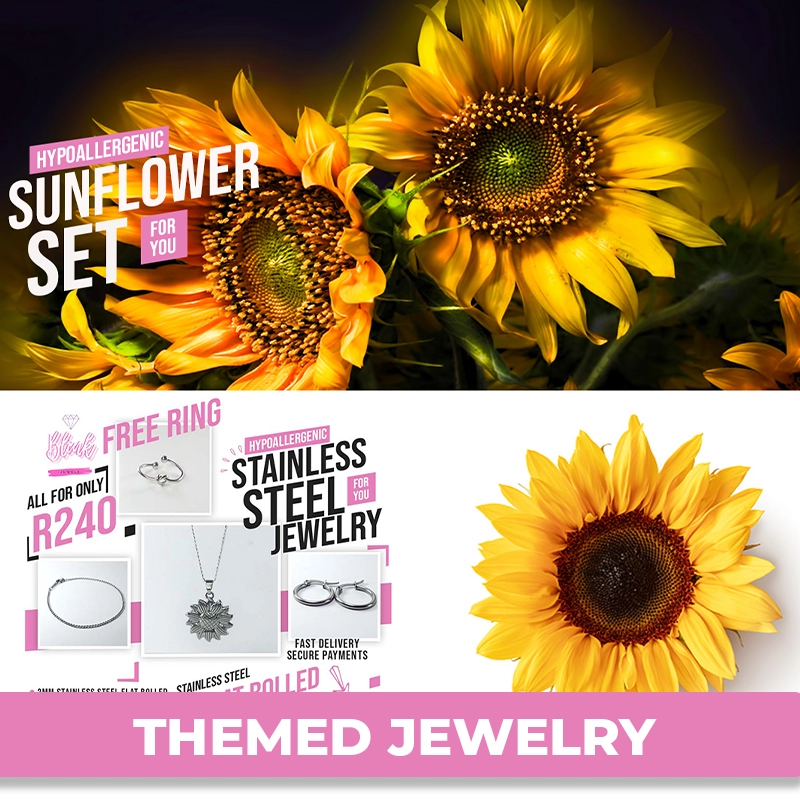
Hypoallergenic, non fading for all skin types